RNN TopBar
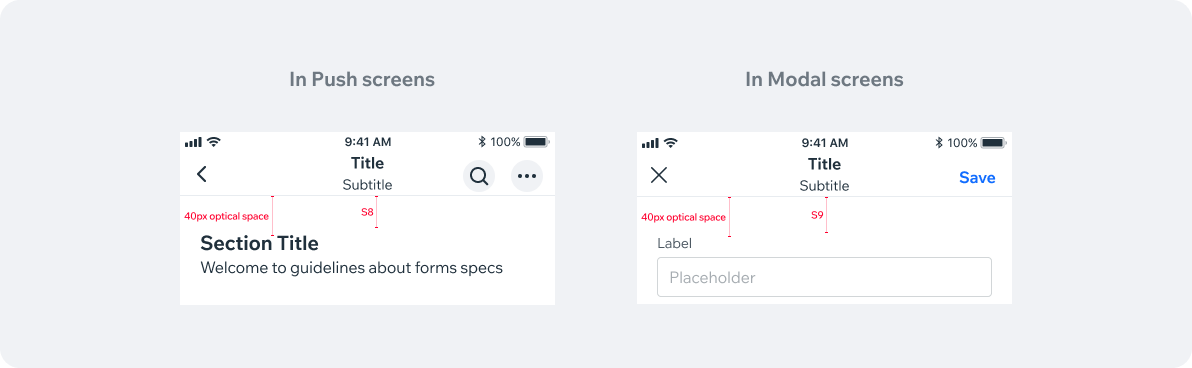
TopBars are native, platform sensitive components, meaning iOS and Android Navbars are different in size and style. However the functionality is similar.
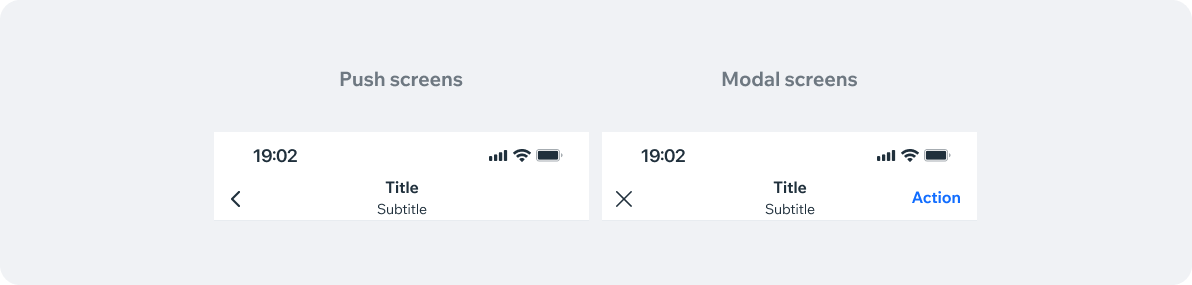
TopBar has two types: Push and Modal. Check Navigation Guidelines for more info.
- Overview
- UX Guidelines
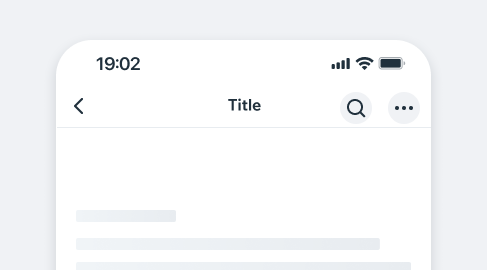
Component examplesTopBar behavior and style are identical in both, iOS and Android.
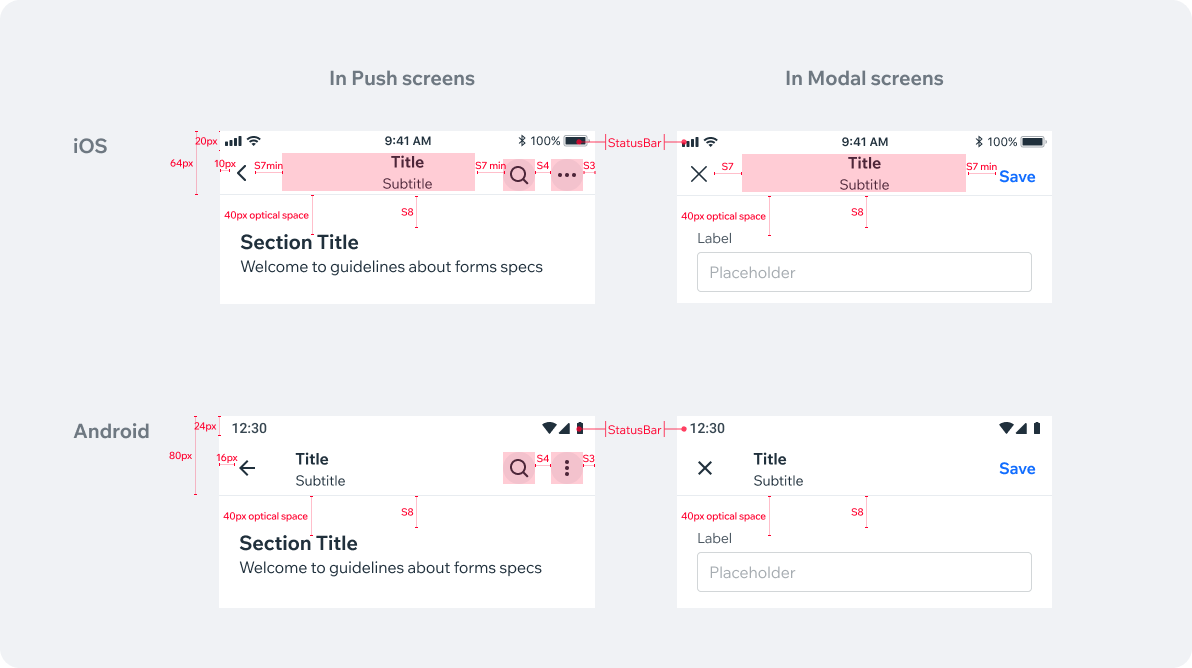
Component structure TopBar behavior and style are identical in both iOS and Android. Pay attention to minor differences like height and icons.
Title variationsThese are applicable both in Push screens and in Modal screens.
| Title | Preview |
|---|---|
| None | 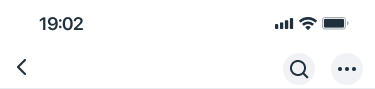 |
| Title only | 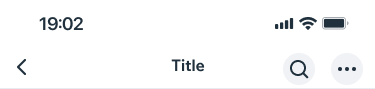 |
| Title and subtitle | 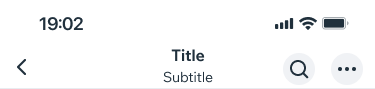 |
AccessoriesThese are applicable both in Push screens and in Modal screens.
| Accessory | Preview |
|---|---|
| None | 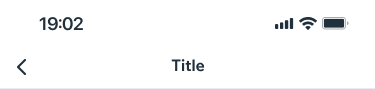 |
| CTA | 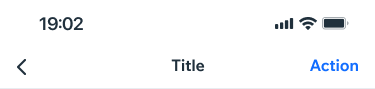 |
| Single action | 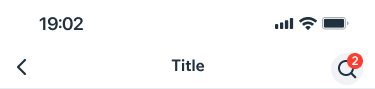 |
| Two actions | 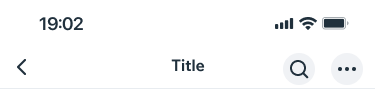 |
| Three actions | 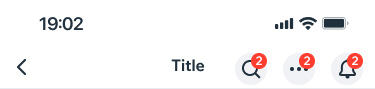 |
| Loader | 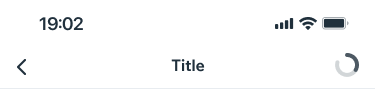 |
| Avatar image | 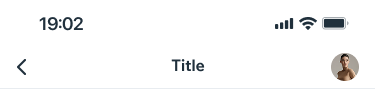 |
| Member view screen | 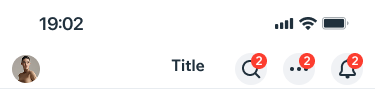 |
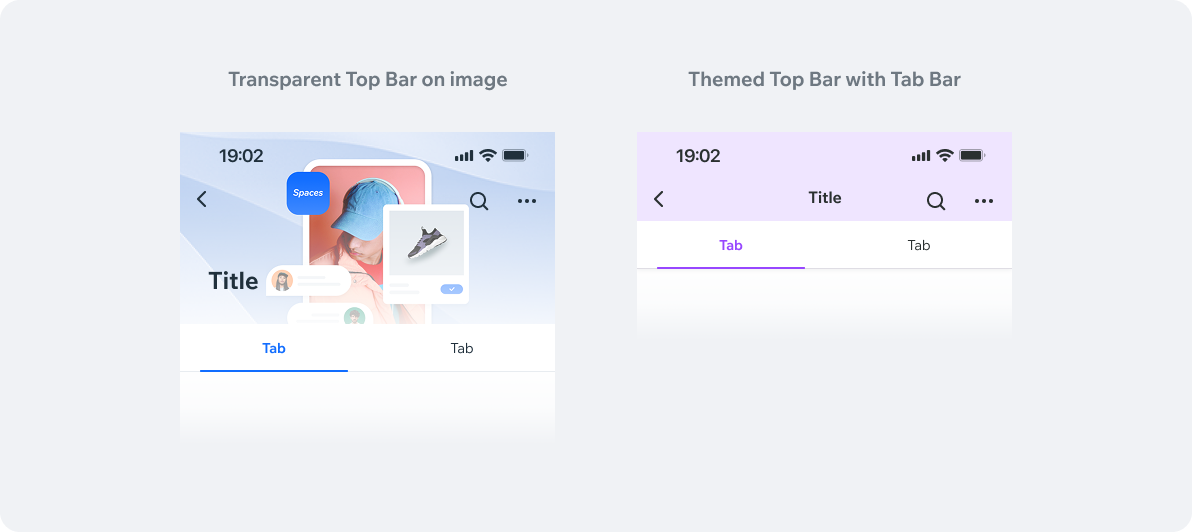
StylesAccording to the App it’s being used in, top bar color may vary between Push screens and Modal screens. Refer to details section.
| Style | Preview |
|---|---|
| White (default background) | 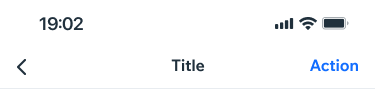 |
| Transparent (image background for example) | 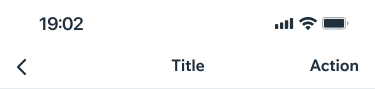 |
| Colored (themed background/business screens) | 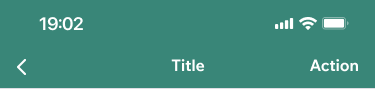 |
| Dark (system screens as in mobile apps editor for example) | 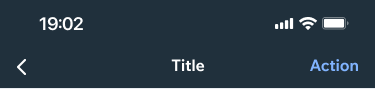 |
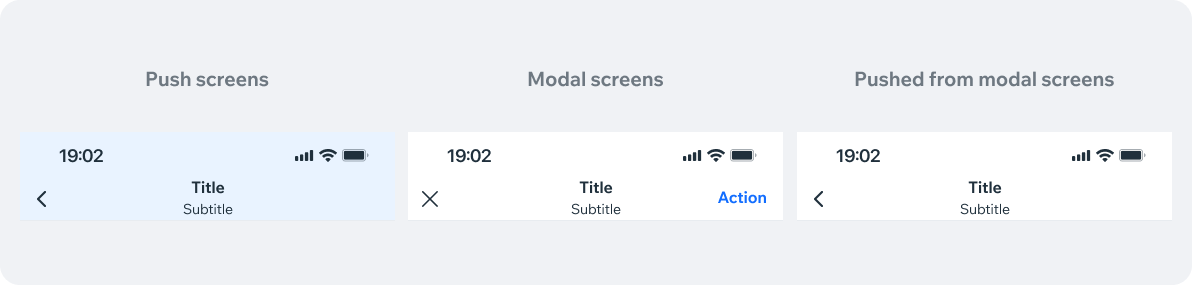
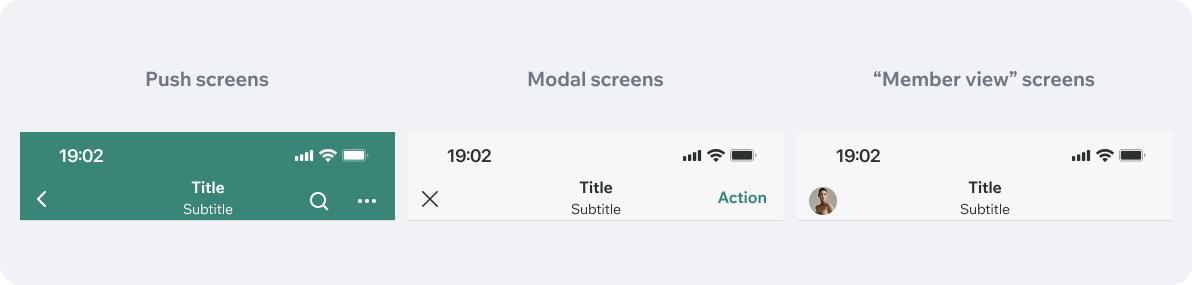
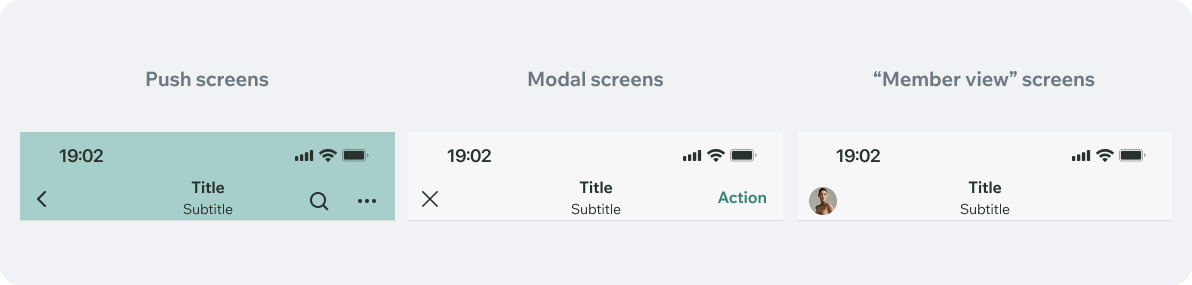
App specific stylesAccording to the App it’s being used in, top bar color may vary between Push screens and Modal screens. Refer to details section.
Wix Owner App
Spaces by Wix
Member apps light theme color
Member apps dark theme color
Fit by Wix
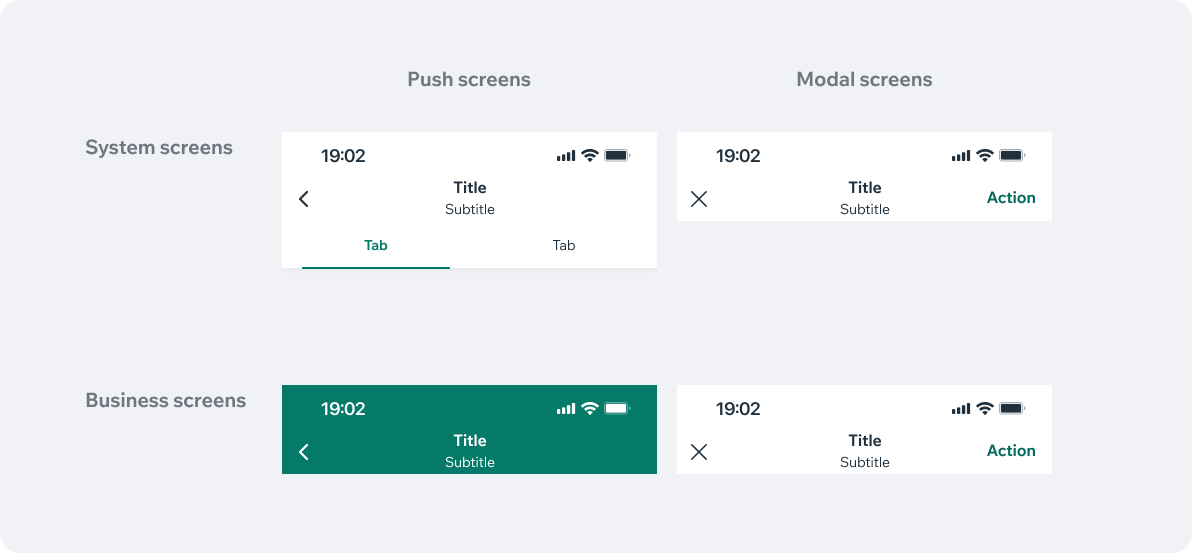
System top bar (as in MAE)

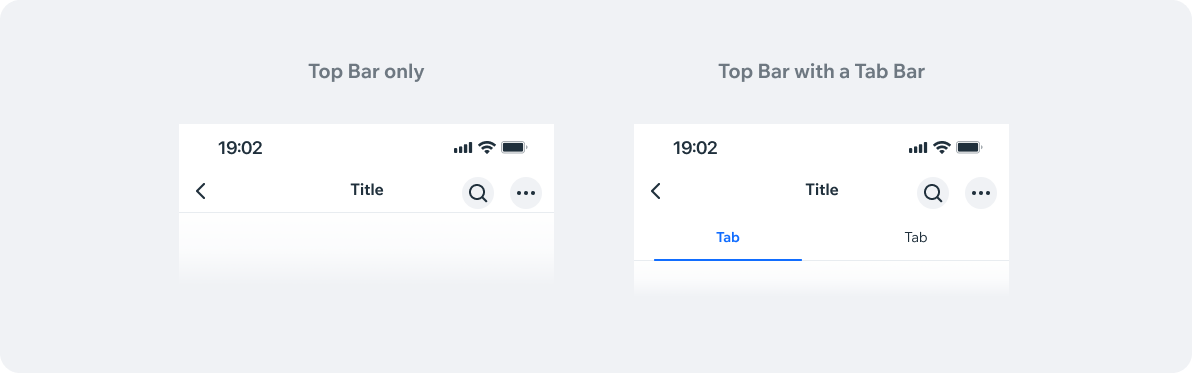
Displaying dividerTop Bar displays a divider by default.Hide it when another component is stacked directly below the Top Bar.
Optical spacingPay attention to appropriate optical spacing (40px) when displaying elements beneath the top bar.